Description
More than just a Throttle Quadrant
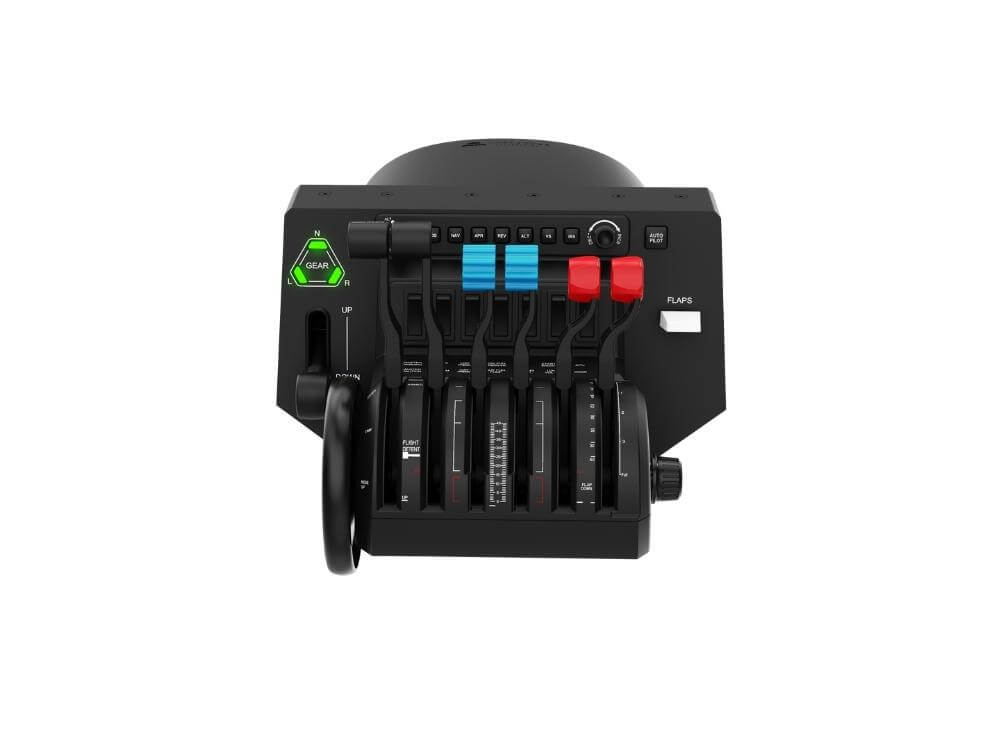
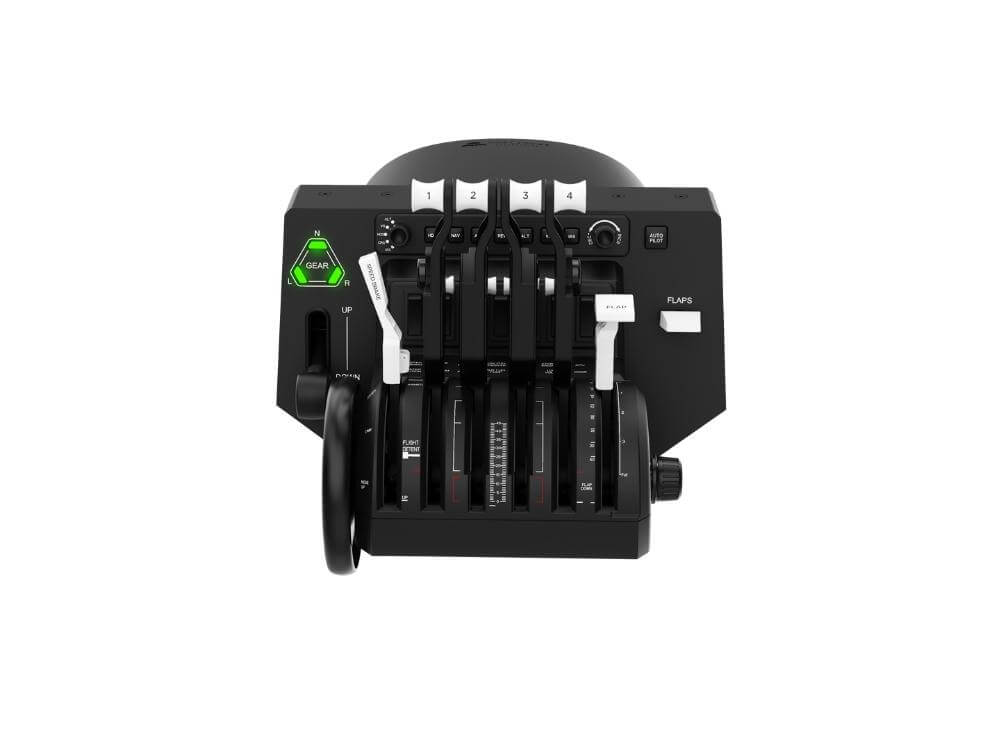
The Honeycomb Bravo Throttle Quadrant gives you a flexible throttle setup for general aviation, commercial aircraft, and multi-engine flying. It lets you build a more complete cockpit workflow, so you can manage power, configuration, and key flight controls from one unit.
The Bravo works with PC and Mac, and supports Microsoft Flight Simulator and X-Plane. Xbox use requires the Honeycomb Alpha Flight Controls XPC and Honeycomb Xbox Hub.
Configure Your Throttle Setup
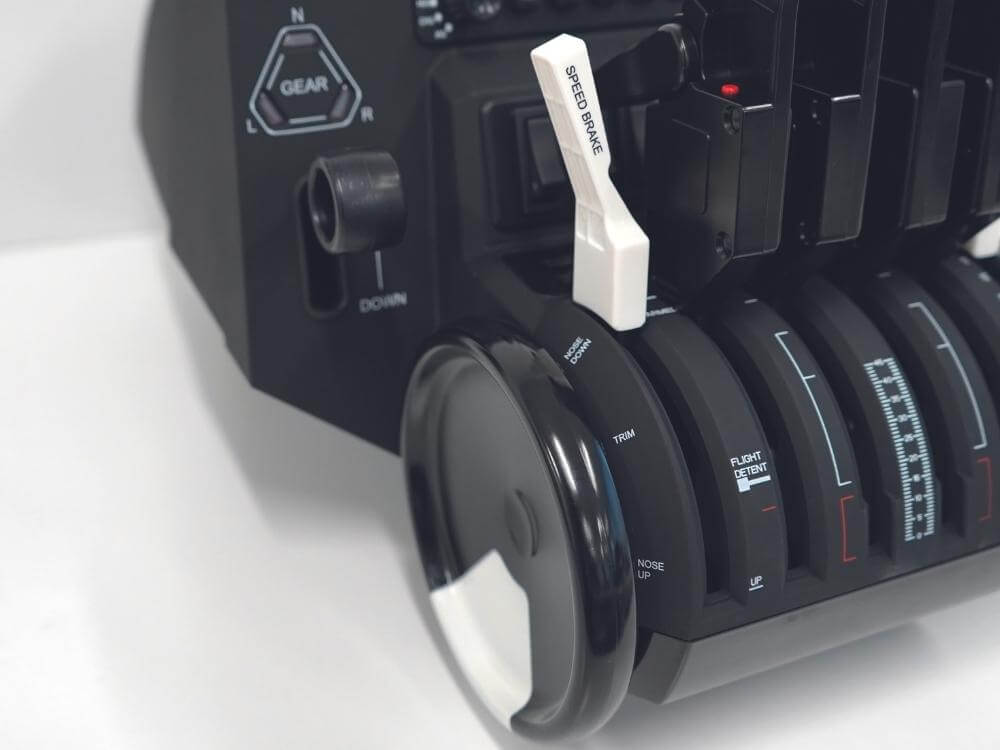
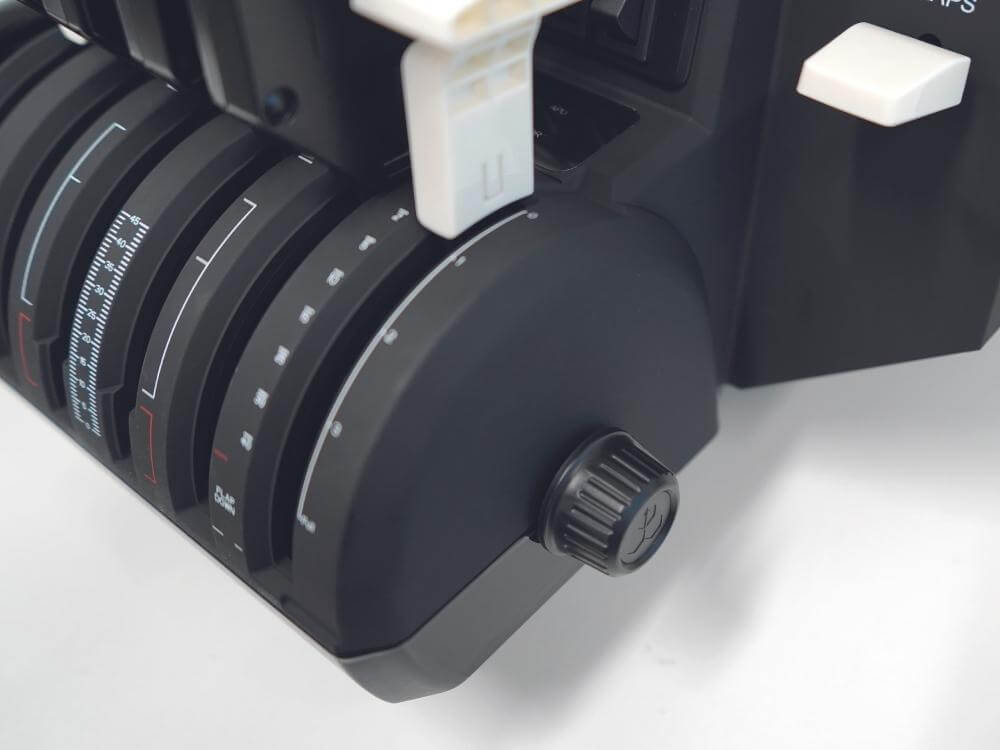
Six control levers allow you to set up throttles, flaps, spoilers, and thrust reversers for aircraft with one to four engines. This gives you the flexibility to switch between a small GA aircraft and a larger airliner without changing your main hardware. The adjustable lever resistance lets you fine-tune the feel of the controls, so throttle movements can feel lighter or firmer depending on your preference.
The included general aviation and commercial lever sets help you match the controls to the aircraft you fly. A dedicated Take-Off/Go-Around (TOGA) button supports critical take-off and go-around actions, so an important cockpit function stays within easy reach.
Add Cockpit Functions To Your Desk
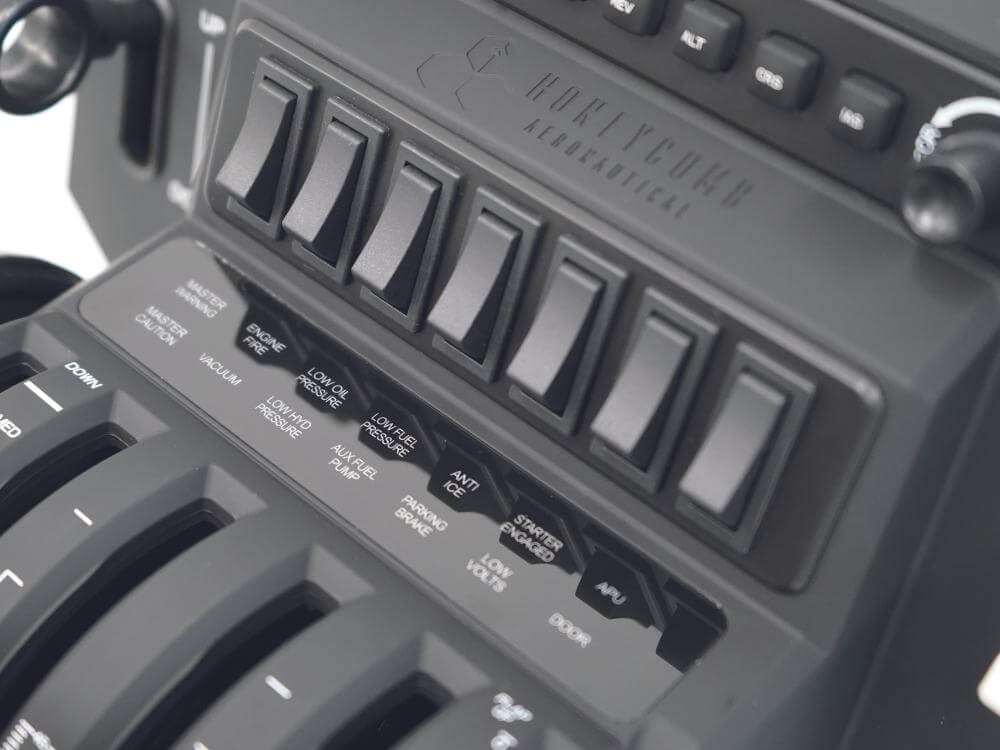
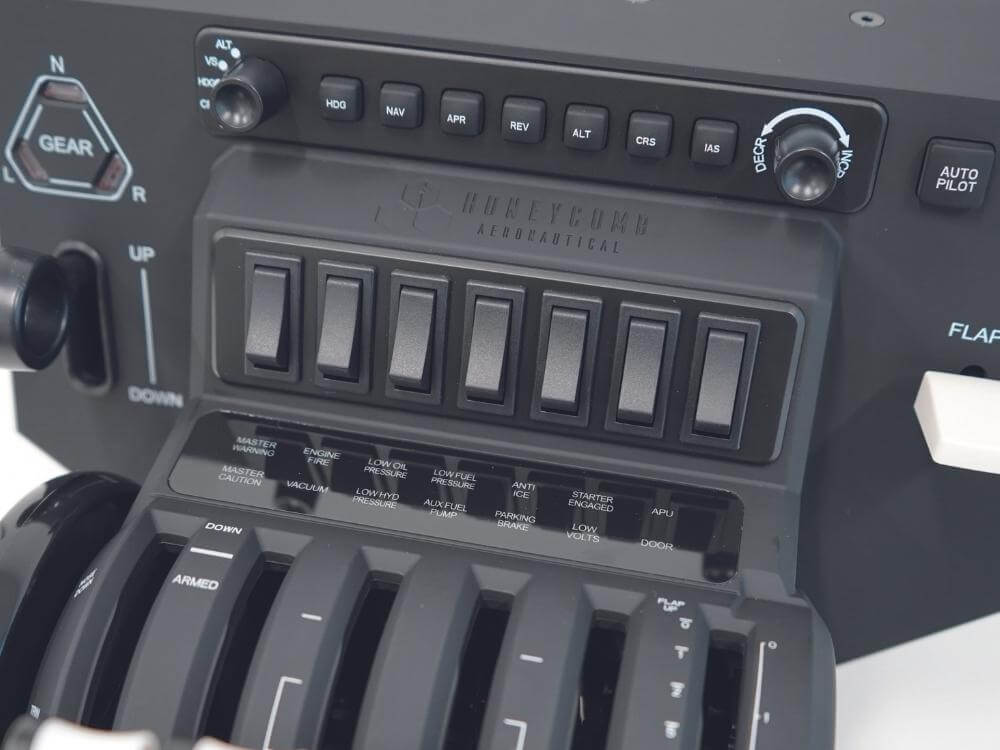
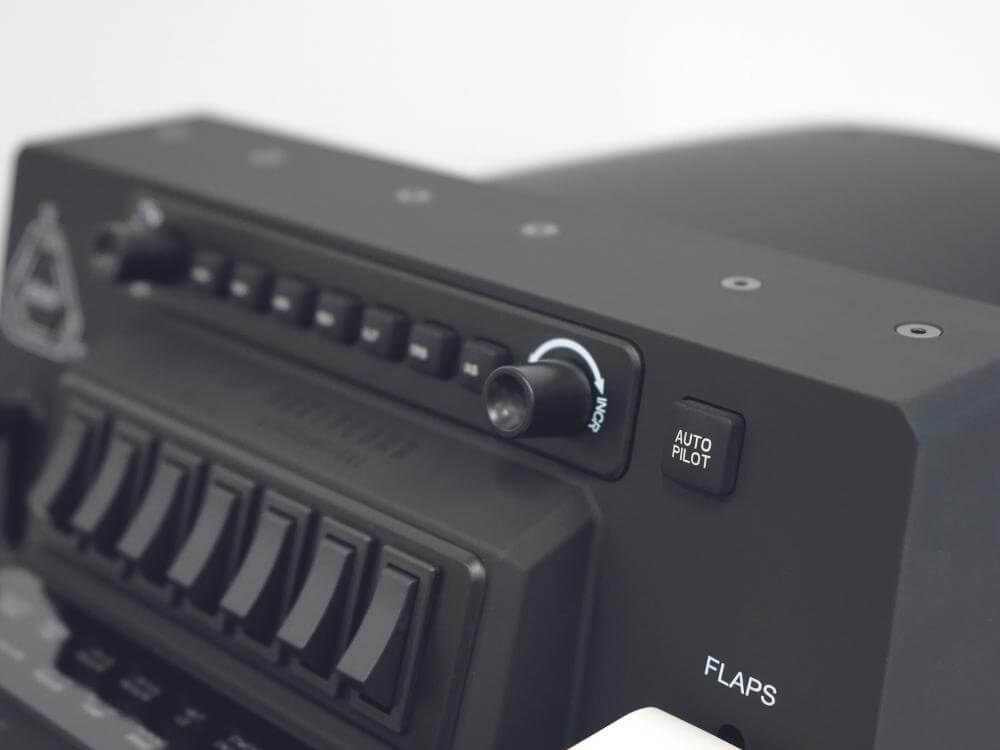
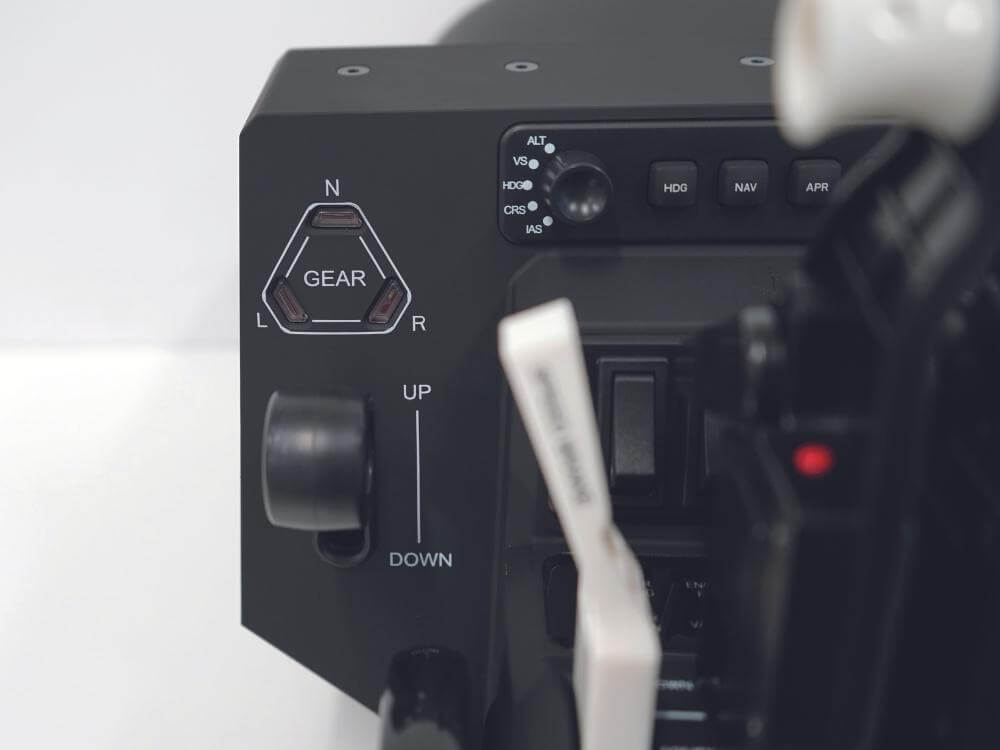
The integrated autopilot panel gives you access to common flight control functions without relying only on mouse inputs. This helps you adjust settings faster and keep your attention on the simulator. The annunciator panel includes 14 indicator lights for system status and warnings, while the gear lever uses red and green LED indicators for landing gear feedback.
The Bravo connects with the included USB-C to USB-A cable and includes a mounting solution for desk use. This helps you build a stable cockpit setup without needing a permanent installation.